Build Your Own Agent TUI
The create-agent-tui skill scaffolds a complete agent TUI (terminal user interface) in TypeScript — like create-react-app for terminal agents. Tell your AI coding agent what kind of agent you want, and it generates a runnable project targeting OpenRouter with a fully customizable terminal interface, tools, and configuration.
Under the hood, this is a full agent harness: the generated project uses @openrouter/agent for the inner loop (model calls, tool execution, stop conditions) and provides everything around it — configuration, tool definitions, session management, and the entry point.
When to build your own
Building a custom agent TUI makes sense when:
- You want to customize the look — create a fun UI or a custom one for your project or team
- You need custom tools — your agent interacts with your own APIs, databases, or domain-specific systems that generic agents can’t reach
- You want control over the loop — you need custom stop conditions, approval flows, cost limits, or model selection logic that hosted agents don’t expose
- You’re shipping a product — the agent is part of your application, not a developer tool, and you need to own the entry point (CLI, API server, embedded)
- You want to learn — understanding how agents work at the tool-execution level makes you better at using and debugging them
If you’re already using Claude Code, Codex CLI, or Cursor as-is, you probably don’t need this — those are already production agent TUIs. This skill is for when you need to build your own.
Install the skill
The create-agent-tui skill is part of the OpenRouter Skills collection. Install it with your AI coding agent of choice:
Skills CLI
Claude Code
Cursor
Works with any agent that supports Agent Skills:
Once installed, ask your agent something like “build me an agent TUI” or “scaffold a coding assistant” and the skill activates automatically.
Prerequisites
- Node.js 18+
- An OpenRouter API key
How it works
The skill presents your coding agent with an interactive checklist of tools, modules, visual styles, and slash commands. You pick what you need, and the agent generates the entire project — ready to run with npm start.
What @openrouter/agent handles
Visual customization
Every part of the terminal UI is customizable. The skill lets you choose each style when scaffolding, and you can override them at launch via CLI flags or in the config file.
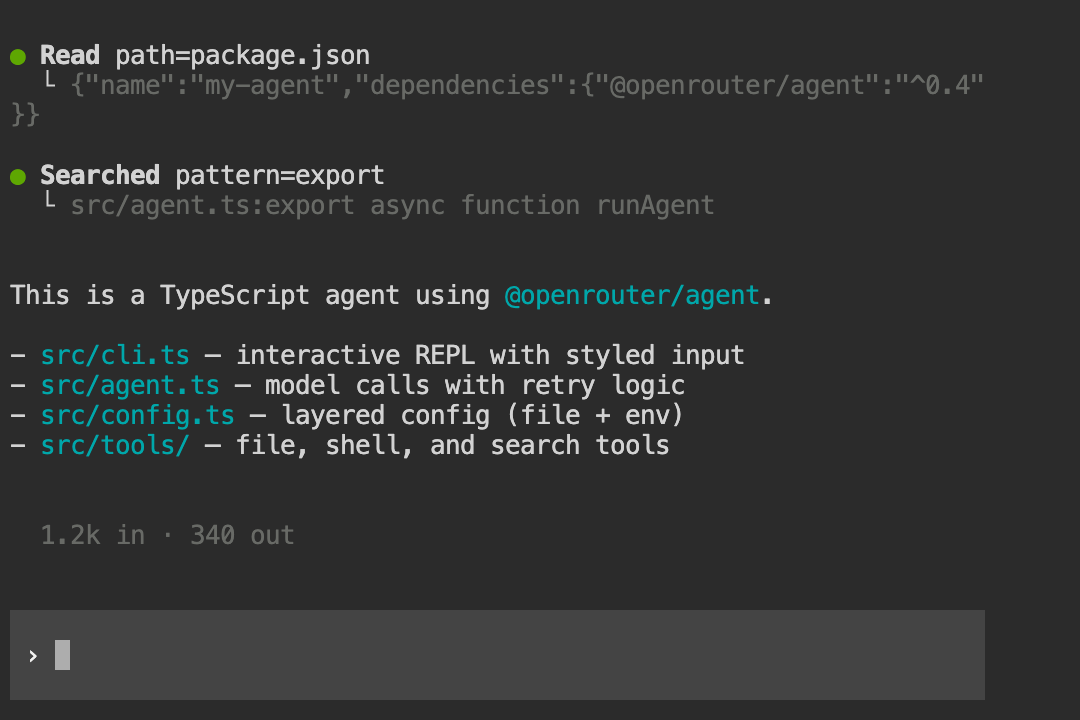
Tool display styles
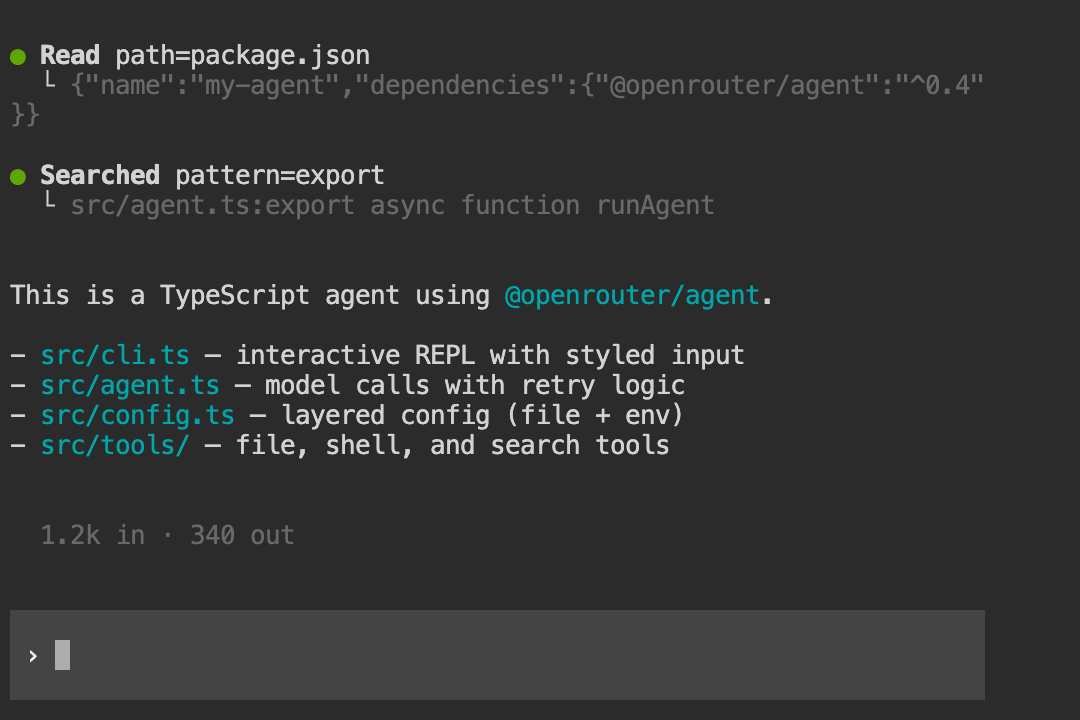
Choose how tool calls appear during agent execution. Set display.toolDisplay in your config or pass --tool-display at launch.
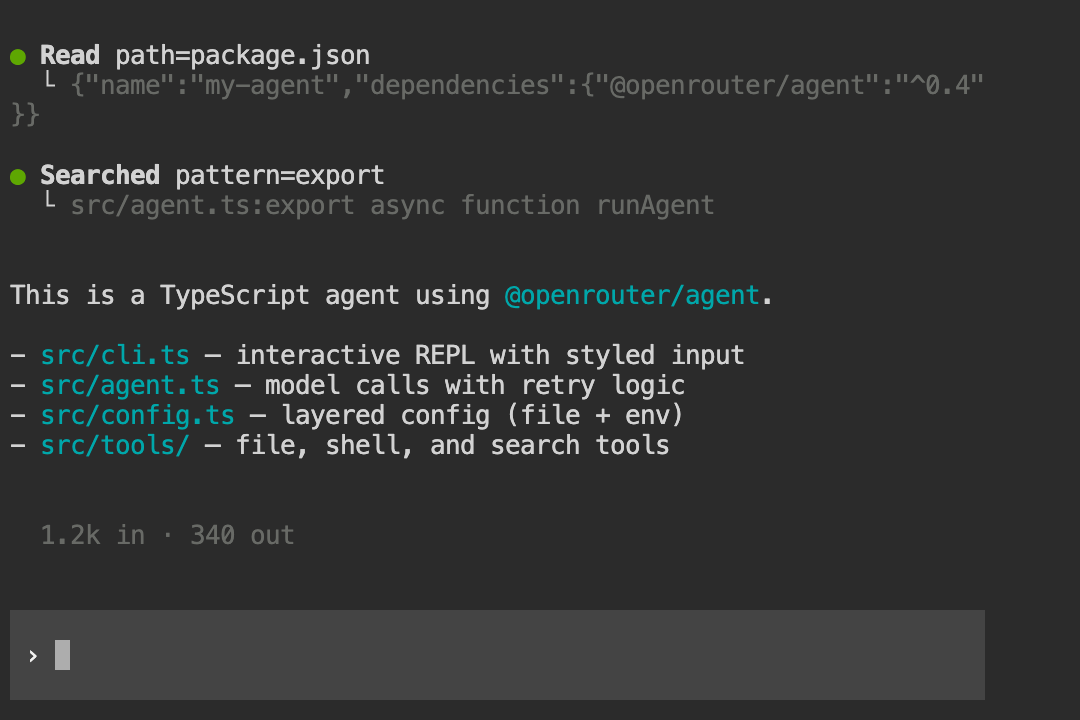
Grouped — bold action labels with tree-branch output:
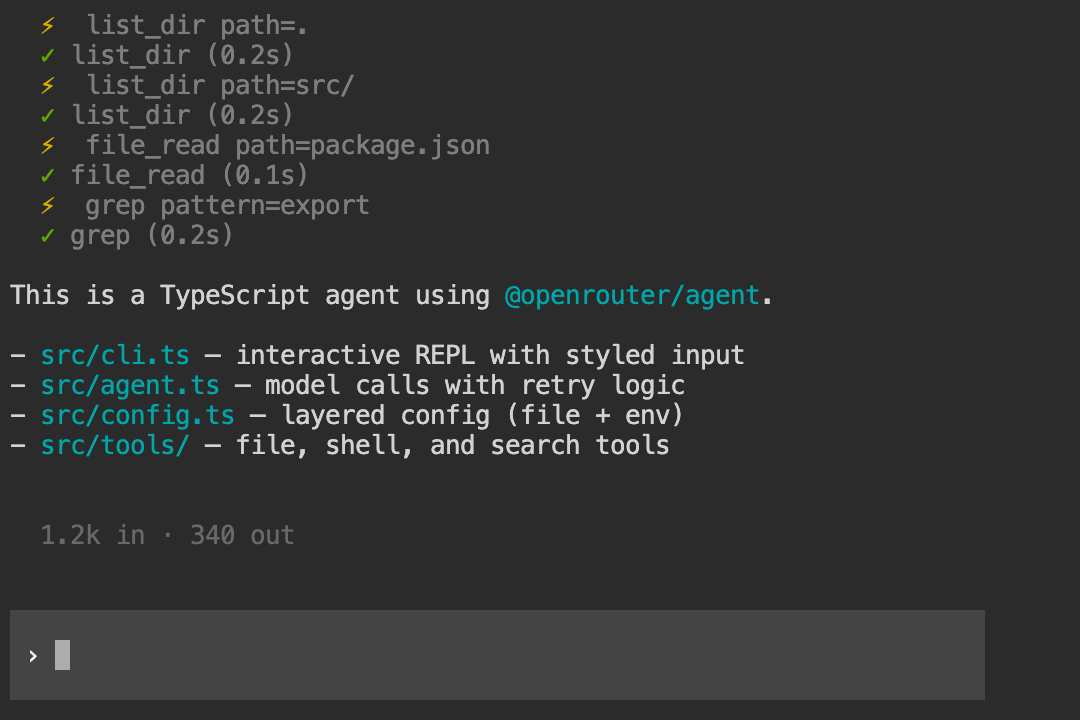
Emoji — per-call markers with tool name, arguments, and timing:
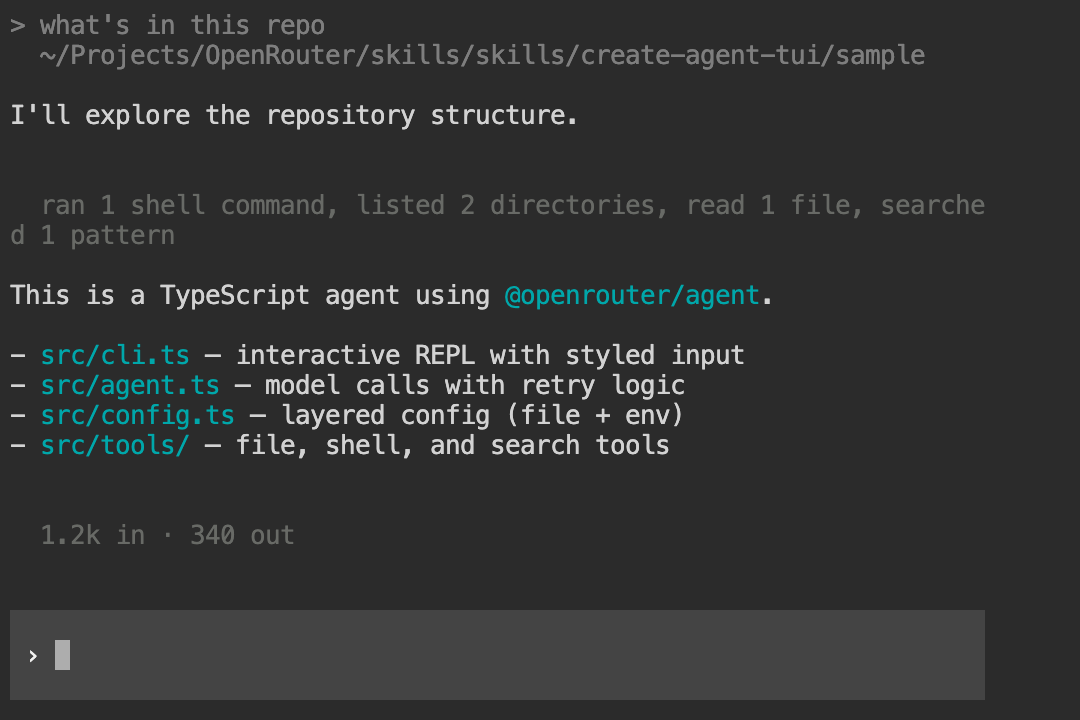
Minimal — aggregated one-liner summaries:
You can also describe a completely custom tool display style and the skill will implement it for you.
Input styles
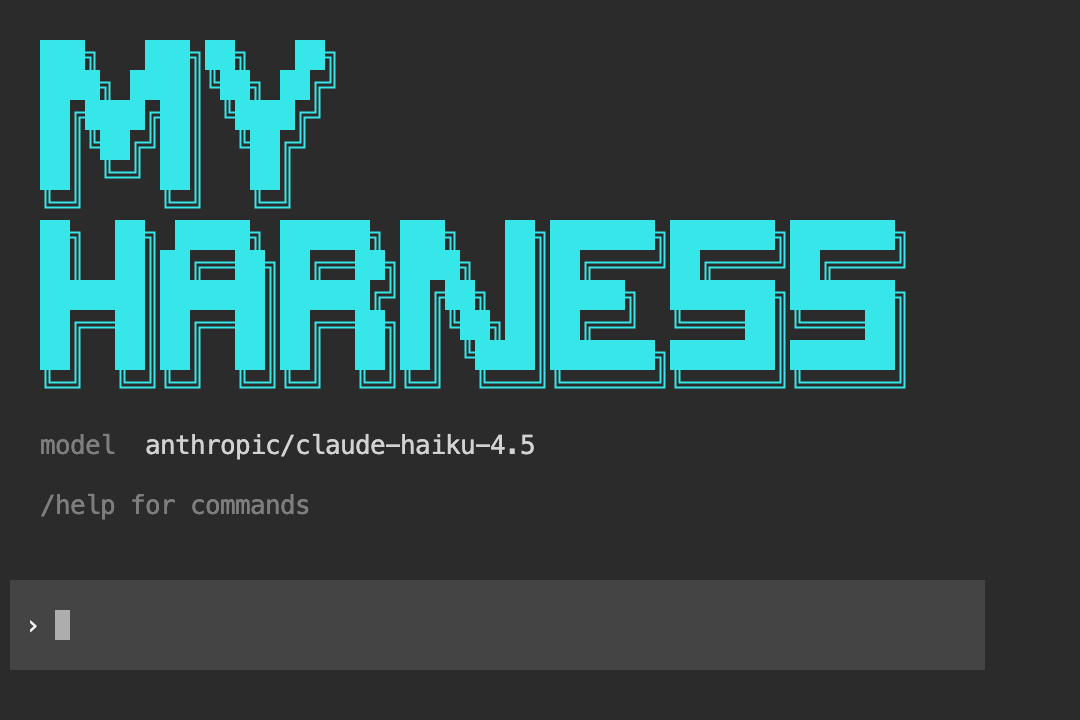
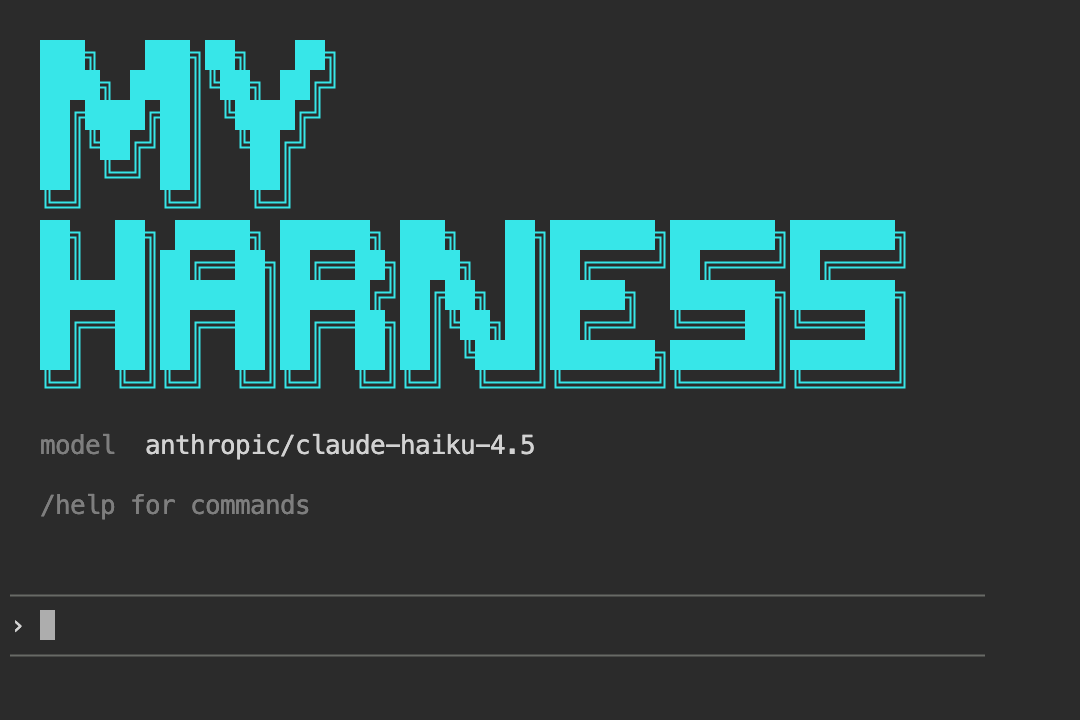
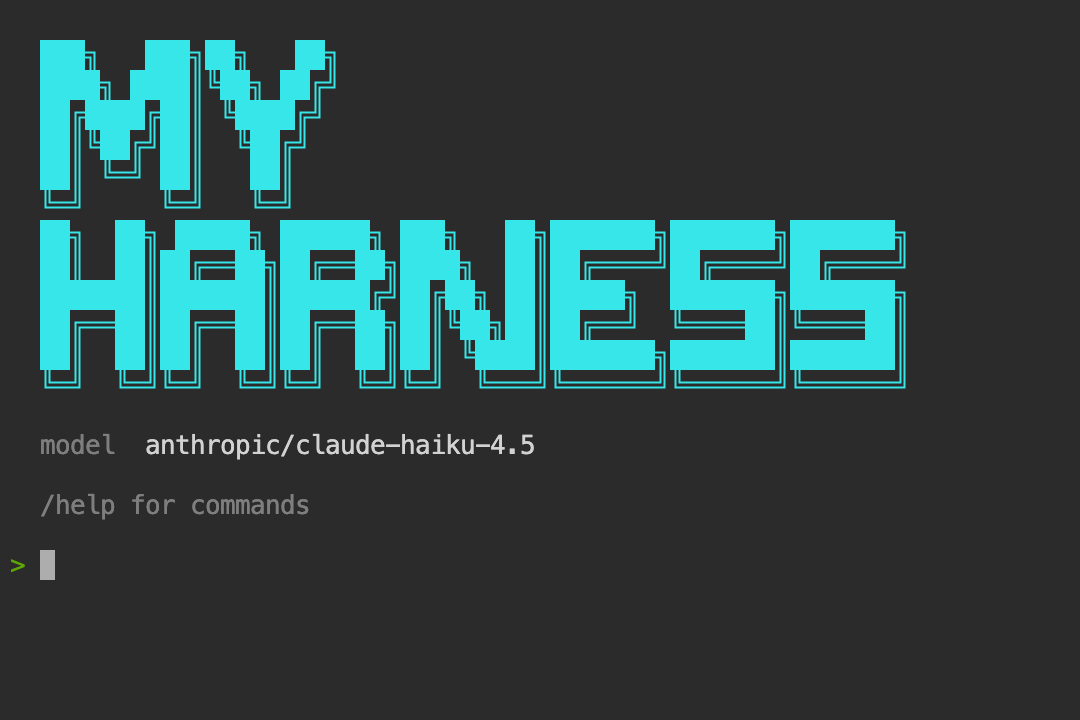
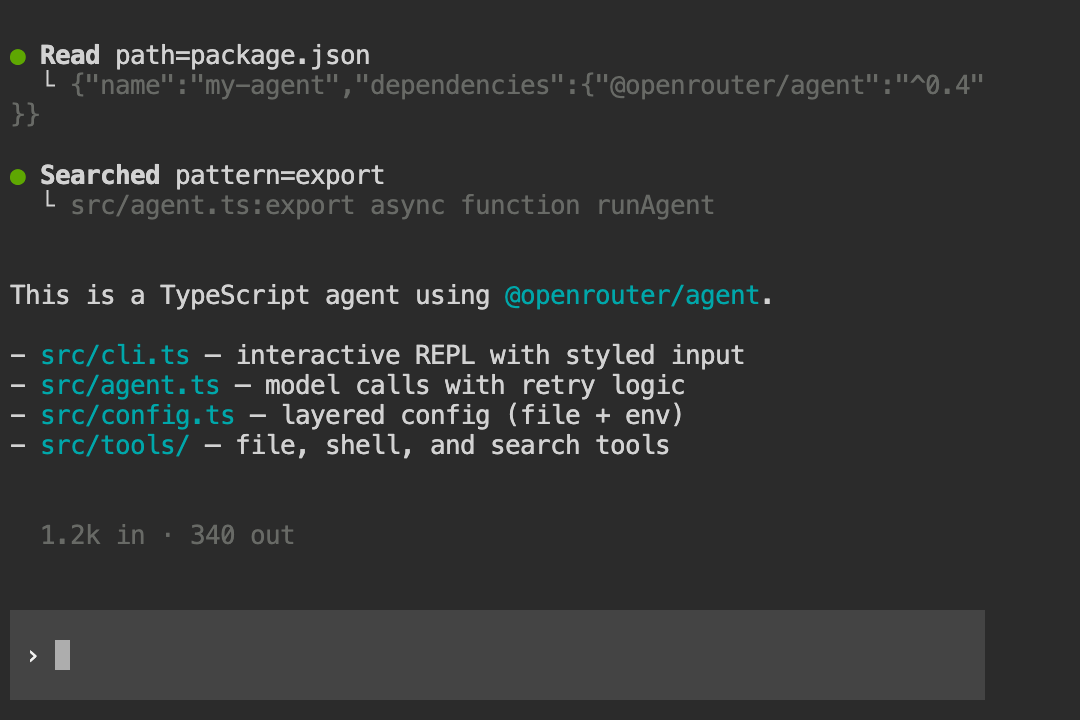
Three input styles are available via display.inputStyle or --input.
Block — full-width background input box that adapts to your terminal theme:
Bordered — horizontal line frame that works on any terminal:
Plain — simple readline prompt, no escape sequences:
You can also describe a completely custom input style and the skill will implement it for you.
Loader animations
Three loader styles shown while waiting for the model response. Set display.loader.style and display.loader.text in config.
Gradient — scrolling color shimmer:
Spinner — braille dot animation:
Minimal — trailing dots:
You can also describe a completely custom loader animation and the skill will implement it for you.
ASCII banner
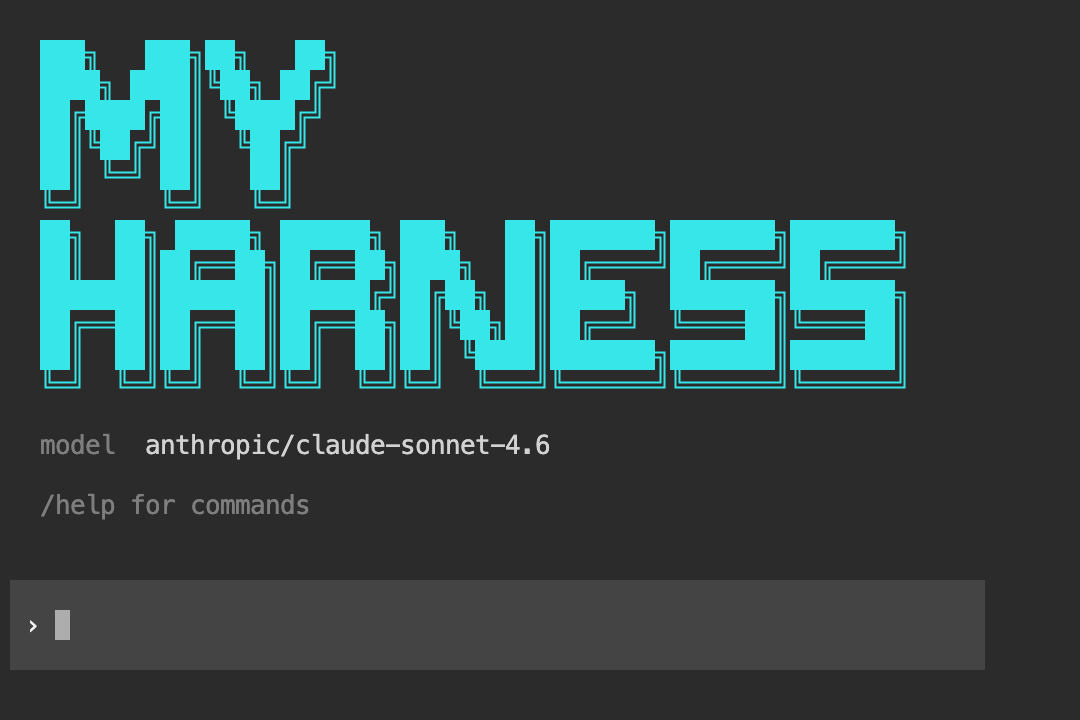
Enable showBanner or pass --banner "Your Agent Name" to display a custom ASCII art logo on startup. The skill generates block-letter art for your project name using the █ character, colored and sized to fit a 60-column terminal.
Generated project structure
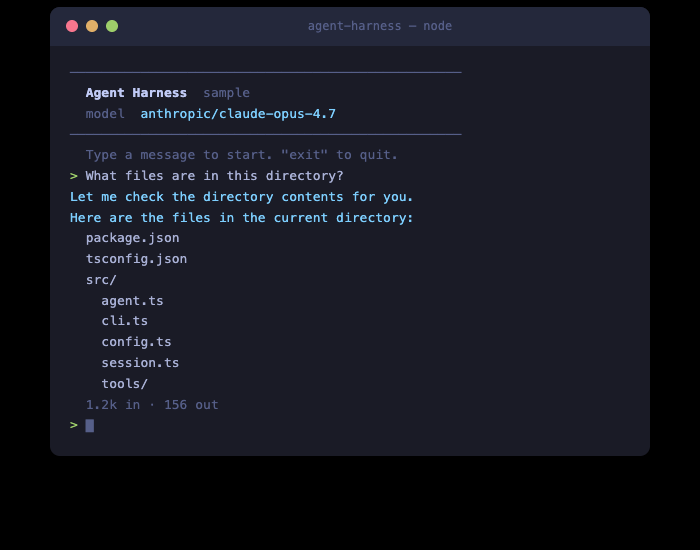
With default options selected, the skill generates this layout:
Run it with:
Override visual styles at launch:
Customization options
The skill presents a checklist when invoked. Items marked on are pre-selected defaults.
Server tools
Executed by OpenRouter server-side — zero client code needed.
User-defined tools
Generated into src/tools/ with full implementations.
Harness modules
Architectural components that extend the core agent harness.
Slash commands
User-facing REPL commands generated into src/commands.ts.
Entry points
The skill generates a CLI REPL by default, but you can also ask for:
- HTTP API server — Express/Hono server with SSE streaming for building web-accessible agents
- Both — CLI for development, server for production
Example
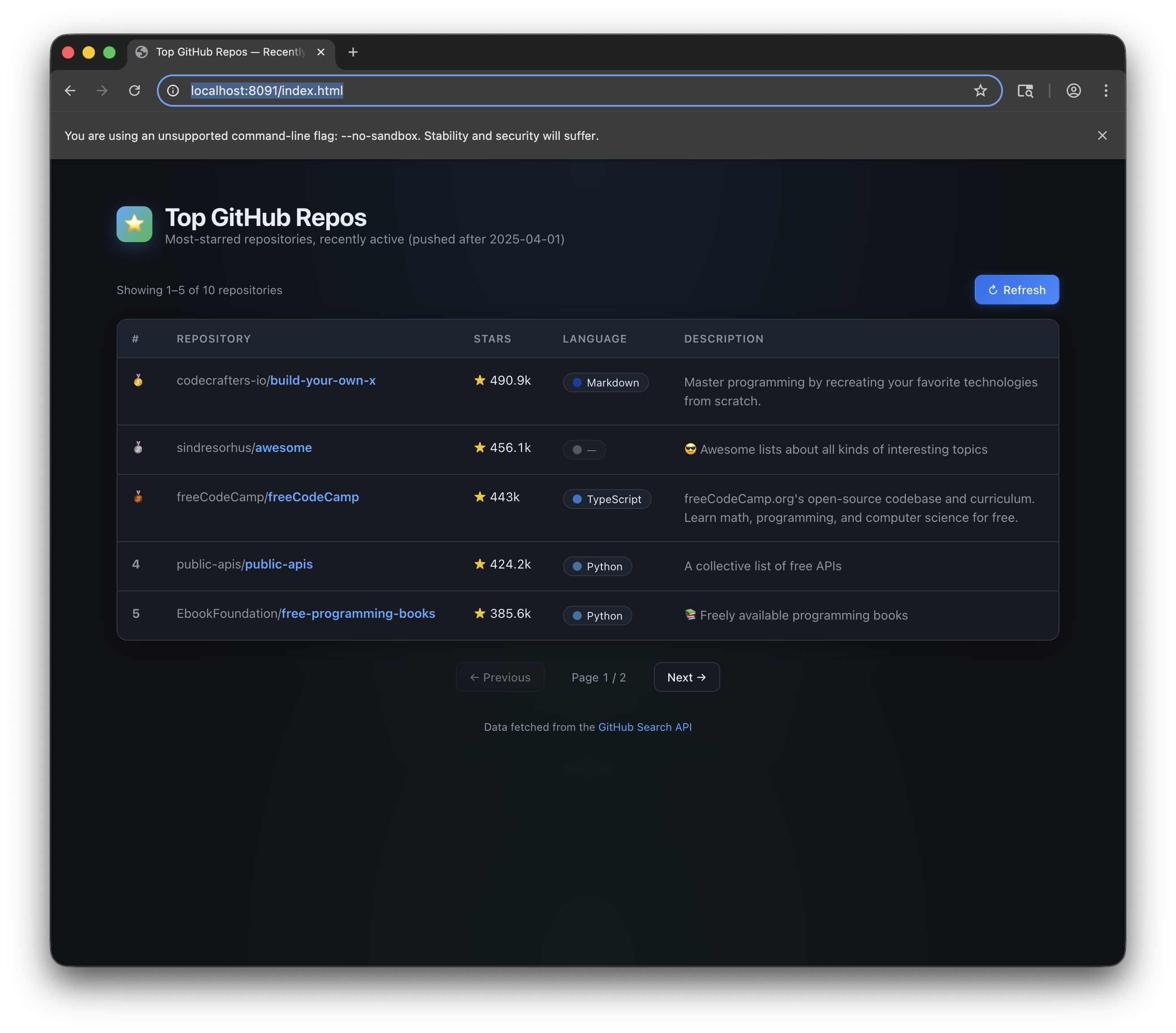
Here’s a demo app built entirely by the agent TUI skill — a GitHub trending repos viewer, scaffolded and running from a single prompt: